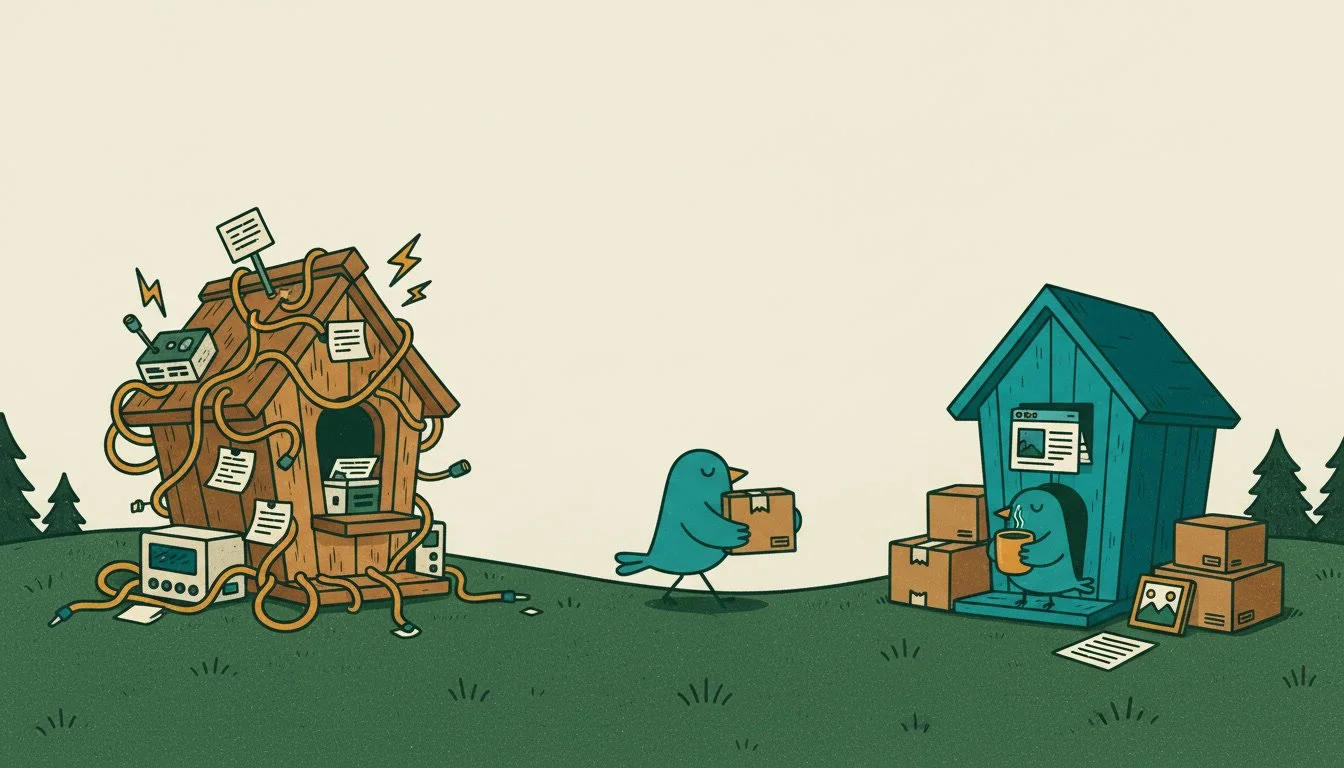
Moving your website from WordPress to Squarespace means rebuilding the design and bringing your content with you. Your pages, blog posts, and most images can come over, your domain and email stay the same, and your current site stays live until the new one is ready. Pointing your old page addresses to the new ones helps protect the Google rankings you've built.
You’ve got a Wordpress website. It works, but every time you log in, there’s another update waiting for you: Wordpress itself, your theme, or your plugins. Sometimes updating them causes things to break on your site. But not updating them can leave your site bereft of valuable security updates. And after this month’s PHP vulnerability made the news, you may be wondering if your site is safe.
I can totally understand. I spent 10 years designing and updating websites exclusively in Wordpress before moving my studio to Squarespace.
Why are people moving from WordPress to Squarespace?
Many people move from Wordpress to Squarespace is to stop managing updates, plugins, and hosting. A WordPress site needs regular updates to the core software, the theme, and every plugin. What’s frustrating is that one update can break another. Not only that, there's the server software underneath it all, which most site owners don't think about until something goes wrong, like we saw in the news recently with the PHP2Shell security vulnerabilities.
Squarespace bundles everything together. Squarespace handles the servers, security updates, and behind-the-scenes maintenance. You still update your own content, but keeping the software safe is Squarespace's job. That’s one less job for you to do.
Admittedly, WordPress has real strengths. It's flexible, and it can cost less up front. I liked both. Moving to Squarespace means trading some of that flexibility for peace of mind, and for most of the businesses and nonprofits that trade is worth it.
Is moving from WordPress to Squarespace hard?
It's very doable, especially with help. Moving means rebuilding your site on Squarespace and bringing your content with you.
Your design stays behind. The layout, fonts, and styling get rebuilt on Squarespace. That's a good chance to fix whatever hasn't been working.
Your content comes with you. Pages, blog posts, and images can move over.
Your plugins stay behind too. Most of what they did, like contact forms, image galleries, blogging, and basic search settings, is already built into Squarespace. For anything that isn't, I'll find a simpler option.
What happens to my content and blog posts?
Your pages, blog posts, and most of your images come with you. Squarespace can import pages, blog posts, comments, categories, tags, and the images inside your posts and pages straight from WordPress.
A few things don't come over automatically, like image galleries and photo captions, so those get added back by hand. Some pages also need cleanup after the import, since the layout won't match your old site.
I treat the move as a good time to tighten your copy, refresh old photos, and cut pages that are out of date, so you start fresh on the new site.
Will I lose my Google rankings?
Not if the move is done carefully. The biggest risk is broken links. Squarespace sometimes uses different page addresses than WordPress, so a blog post's address might change slightly.
Before the move, I make a list of every page on your current site. After launch, I point each old address to its new one, so Google and anyone with an old link land in the right place.
To be honest about it: a short dip in search traffic can happen while Google catches up after any platform change. Careful planning keeps that dip small, and it usually levels out.
Moose Mountain Construction is a good example. I redesigned their website and moved it from WordPress to Squarespace, and today they come up first on Google when people in Hartland search for a home builder.
What about my domain and email?
You keep both. Your web address stays the same. It either moves to Squarespace or stays where it is and connects to your new site, depending on what makes sense for your setup.
If you have email at your domain, like you@yourbusiness.com, it keeps working. Email usually stays with your current provider, such as Google Workspace or Microsoft 365. I check your email settings before we switch anything over, so nothing gets interrupted.
What does the process look like?
Moving to Squarespace follows the same three steps as any website I build.
Discovery & Strategy. We look at your current site together: what's working, which pages bring people in, and what you want the new site to do.
Design & Content. I build your new site on Squarespace and bring your content over, refreshing what needs it. Your current site stays live the whole time, and the new one stays private until it's ready.
Launch & Support. I switch your domain over, point your old page addresses to the new ones, and check that everything works. If you'd like ongoing help after launch, my support plans include monthly website checks and updates.
How much does it cost to move to Squarespace?
Foundation websites start at $2,000 and Full Build websites start at $5,000. A Foundation site rebuilds up to five pages around your existing content and branding. A Full Build includes brand styling and copywriting.
After launch, you'll pay for a Squarespace plan, which replaces your WordPress hosting and any paid plugins you're using now. It can help to add up what you pay today for hosting, premium plugins, and help with updates, so you can compare.
What do I give up by leaving WordPress?
You give up some fine-tuned control and the huge library of plugins for very specialized needs. For most small businesses, nonprofits, and churches, Squarespace covers everything the site needs to do.
If your site depends on something unusual, like a complex membership system or a custom database, tell me on our call. I'll let you know honestly whether Squarespace is a good fit.
Frequently asked questions about moving from WordPress to Squarespace
Can I move my WordPress blog to Squarespace? Yes. Squarespace can import your blog posts, comments, categories, and tags from WordPress. Image galleries and captions need to be added back by hand.
Will my website be down during the move? No. Your current site stays live while the new one is built. The switch happens once the new site is ready.
Do I keep my domain name? Yes. Your web address stays the same. It either moves to Squarespace or connects to your new site.
How long does it take to move from WordPress to Squarespace? It depends on the size of your site and how much content needs refreshing. I'll give you a timeline after looking at your current site.
Ready to stop worrying about updates?
I build Squarespace websites for businesses, nonprofits, and churches in New Hampshire and across the US. If you're on WordPress and ready for a site you can update yourself, with the server side handled for you, I'd be glad to look at your current site and tell you honestly what a move would involve.